Bring paper into the workflow
Upload a class set or use live camera capture. Batch mode helps keep a capture session moving.
Explore the toolkitMake marking time go further
Reduce repeated marking and score entry with an AI-assisted workflow. Upload or capture papers, review question-level marks and feedback, then carry saved results into class analytics and report cards.
The assessment cycle, connected
Keep the work around an assessment together, from the first scanned page to the conversation about what comes next.
Upload a class set or use live camera capture. Batch mode helps keep a capture session moving.
Explore the toolkitUse an optional marking scheme or curriculum knowledge. AI reads learner details and returns question marks and feedback for review.
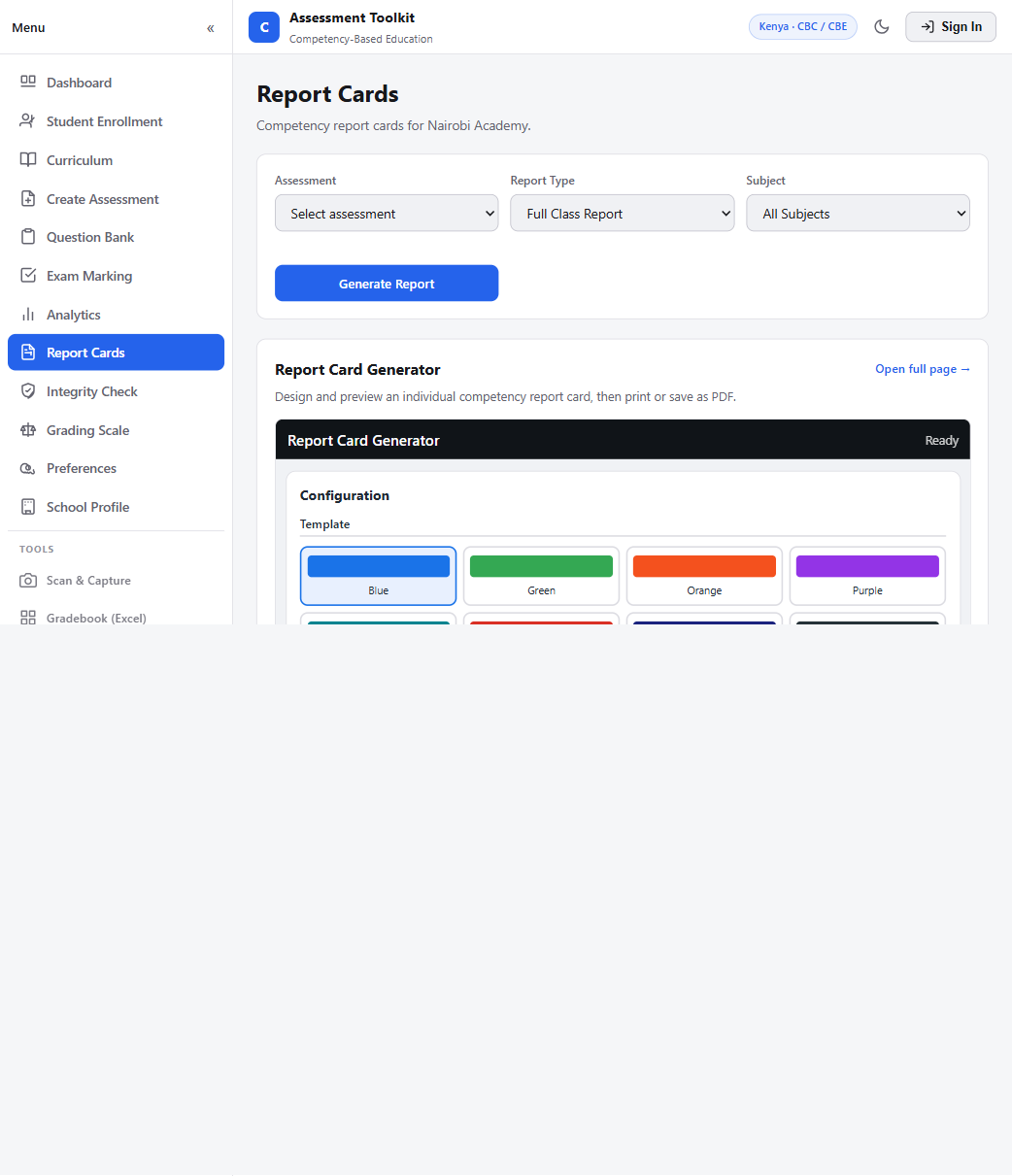
See marking toolsSaved results feed class summaries, topic mastery trends, grade exports and printable report cards.
View analytics and reportsWhere the time comes back
Manual marking often means doing the same admin for every learner: read the paper, write the marks, match the student, enter the scores again, then prepare class summaries. Assessment Toolkit connects those steps so teachers can spend their review time on the learning.
Teacher-led, every time. AI provides a first pass; teachers review the marks and feedback before using them as final results. Time saved varies with class size, paper quality and review needs.
One place to do the work
Keep assessment work together: from scanning and question setup to AI-assisted marking, class-level analysis and printable report cards and school workbook exports.
Go to the toolkitDocument scanning, assessment creation and question banks.
Per-question marks and feedback, saved by learner and class.
Strand gaps, assessment trends, school workbooks, class CSV and printable reports.
Curriculum options included
All 14 current built-in curriculum options are included in Assessment Toolkit. Choose a country and curriculum in your school workspace to use matching grades, terms, assessment types and grading bands.
Curriculum settings help shape grade levels, terms, subjects and grading. Your school's chosen framework stays part of its assessment workflow.
Useful details
See how AI-assisted marking fits into the teacher's workflow, and what happens to results afterwards.
Open Assessment ToolkitIt reduces repeated steps around a class set: reading learner details from papers, preparing question-level marks and feedback, filing results by class, and reusing those results for analytics and reports. Your actual time saved depends on the assessment and the amount of review it needs.
No. AI prepares a first pass with per-question scores, feedback, strengths and areas to improve. Teachers review the output and remain responsible for final marks and learner guidance.
A scheme is optional. When you have one, upload it with the paper. If you do not, the marker can use curriculum knowledge, and you can add instructions for the marking pass.
Saved results feed class and subject analytics, assessment trends, topic and strand review, spreadsheets, school workbooks, class CSV exports and printable report cards.
The current built-in list includes CBC/CBE and 8-4-4; British/Cambridge, American, IB, Montessori and Waldorf/Steiner options for Kenya; England, Scotland, Northern Ireland/Wales options for the UK; and Common Core, Texas TEKS, California CCSS and AP/Honours options for the United States.
Your next assessment can start here
Open Assessment Toolkit to sign in or create a school account.
Continue to Assessment Toolkit Your school's assessment workspace, one step away.